AI-Powered Personalized Lead Outreach Automation
AI-Powered Personalized Lead Outreach: A Complete n8n Workflow
Generic cold emails are dead. Anyone who has received a message that starts with "I hope this email finds you well" or "I noticed your business" knows the drill. It feels fake because it is fake. The solution is not to stop doing B2B Outreach. The solution is to use Automation to do it with real context, at scale, and with a human in the loop. That is exactly what this workflow does.
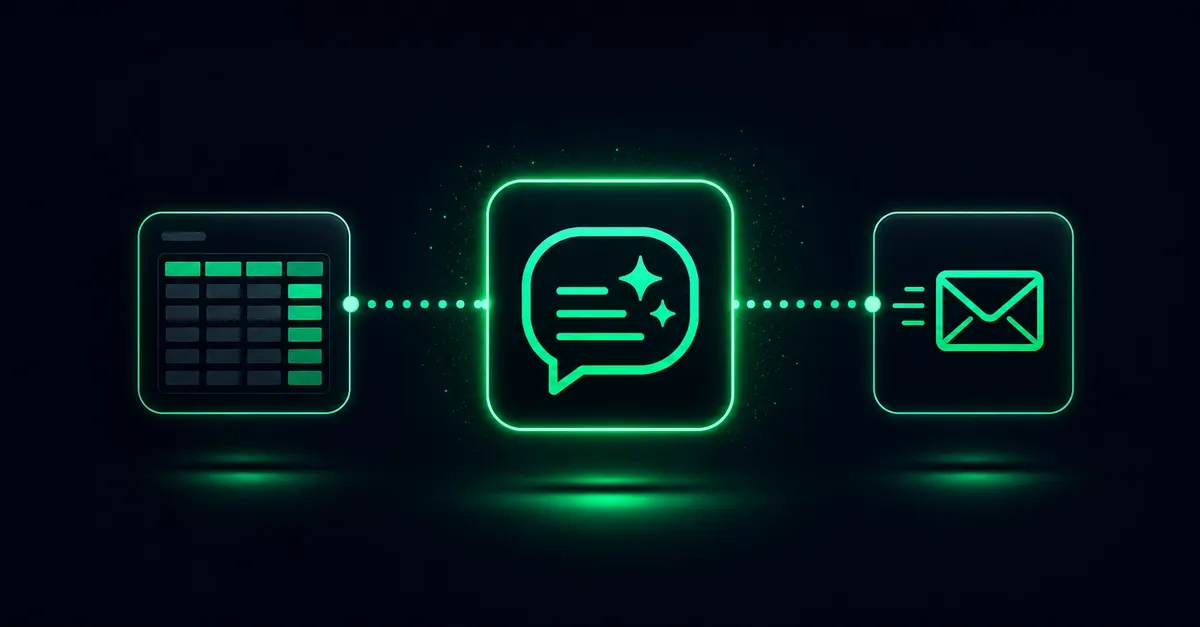
This guide walks through a practical, revenue-ready system for Lead Generation using n8n, Groq, and DeepSeek. It researches each company website, writes one short outreach draft from real context, and saves it to Airtable for human review before anything is sent. The result is a repeatable process you can use for your own agency, sell as a service on Upwork or Fiverr, or package as a product on Gumroad.
The Core Idea: Prepare, Don't Send
Most AI outreach tools try to do too much. They scrape a website, generate a long email, and send it automatically. That approach ignores a critical reality: the bottleneck is not the AI. It is the last 30 seconds of human judgment. A person needs to read the draft, decide whether the lead is worth contacting, edit if needed, and then send or skip.
This workflow is designed around that idea. The AI prepares the research and the message. A person decides what happens next. The system does not pretend to replace judgment. It amplifies it.
Here is the full sequence in one line:
- Airtable rows with pending websites come in.
- Groq Compound Mini visits each site and returns structured research.
- DeepSeek writes a short message from that research.
- Airtable is updated with the draft and a clear status.
- A human reviews the queue and decides send or skip.
Building the Lead Generation Pipeline
Step 1:
Lead Generation starts with clean data. The workflow expects a simple Airtable table with at least one column: the company website. Add other columns for status, research notes, draft message, and a final decision field. You can fill this table manually, buy a lead list, or use a scraping tool. The automation itself does not care where the leads come from. That makes the system flexible and easy to reuse.
Keep the input table simple. Each row represents one company. The only mandatory field is the public website URL. If the URL is missing, the workflow should skip the row or mark it for review. That little detail prevents a lot of wasted API calls.
Step 2: Automate Research with n8n and Groq
n8n is the backbone of this whole operation. It is a workflow automation platform that connects Airtable, Groq, DeepSeek, and any other tool with a REST API. The n8n canvas starts with an Airtable trigger that reads pending leads, loops through each row, and calls the research node. Between each lead, the workflow waits three seconds. That pacing keeps you well within rate limits and makes the system look less like a bot to external services.
The research node uses Groq with the groq/compound-mini model. Its job is narrow: visit the public website and return factual JSON. The research prompt asks for four things:
- What the company sells.
- How customers book or inquire.
- Visible calls to action.
- A few useful personalization facts.
Critically, the prompt explicitly tells the model not to invent content for broken or empty websites. If the site is parked, blocked, or too thin, the model returns a research_status of done, blocked, or unclear. This single field changes the entire downstream behavior of the workflow.
Step 3: Draft with DeepSeek
Once the research is complete, the workflow passes the structured context to DeepSeek. The draft instruction is intentionally restrained. The model is told to write 3 to 5 short sentences, under 80 words, with one specific detail from the research. It must not use fake enthusiasm, invented statistics, or a generic line like "businesses like yours."
Here is a short example of what a good draft looks like:
Hi. I saw that your consulting firm offers onboarding for mid-size logistics companies. Your site mentions a free strategy call, so I wanted to reach out. I built a small automation that personalizes follow-ups using a company's own website content. Would it be useful to trade notes next Tuesday?
Step 4: Save to Airtable for Human Review
After DeepSeek generates the draft, the workflow saves two things to Airtable: the draft message and the research notes. It also updates the status. Good rows get Status = Done with the draft ready to read. Broken or unusable websites get Status = Blocked or Status = Needs review.
This routing is what keeps the workflow honest. A good outreach system does not pretend every website is usable. If parsing fails, the row goes to review. If the site is blocked or parked, the row can be marked blocked. That avoids forcing fake personalization onto a broken input. Bad input becomes review work, not a lie.
The final Airtable table is your review queue. A human opens it, reads the research notes and draft, and decides. This is the money moment. The AI did the heavy lifting. The human owns the decision.
Why This Workflow Wins for B2B Outreach
The biggest problem with AI-generated outreach is that it sounds synthetic. This workflow solves that by keeping the message short, grounded in real context, and visibly based on the website. It also respects the fact that not every website can be parsed. Instead of forcing a generic email, the system flags the row for review or blocks it entirely.
Cost is another advantage. Each row is a small API call. Groq is fast and inexpensive, and DeepSeek is similarly cheap. For a list of 200 leads, the total API cost is often under one dollar. That makes the system easy to test and iterate. Start with 20 leads, review the output quality, adjust the prompts, and then scale.
From a client perspective, this approach is valuable because it is auditable. You can show a client the Airtable queue, the research notes, and the drafts side by side. They see the thinking. That transparency is rare in the world of AI spam, and it justifies a premium price.
How to Monetize This Automation
Sell It as a Service on Upwork or Fiverr
One of the simplest ways to make money with AI is to sell this exact workflow as a managed service. Offer a gig titled "AI-Powered Personalized Outreach Drafts" or "B2B Lead Research with Human Review." On Upwork and Fiverr, clients pay for outcomes, not for tool installation. You can charge per lead or per campaign. For example, a package of 100 researched and drafted leads with a review queue could easily sell for several hundred dollars.
The key is to explain the human review step. Clients are tired of AI spam. But when you show them a system where a human approves every message, you sound like a professional, not a bot farm.
Run It for Your Own Agency or Clients
If you already do B2B outreach for your own business agency, this workflow can become your secret weapon. Instead of spending hours manually researching each prospect, you spend minutes reviewing drafts and hitting send. That lets you run more campaigns, test more niches, and close more deals without hiring a virtual assistant.
Build a Product Around It
Once the workflow is refined, package it as a template or micro-SaaS. You can sell the n8n workflow JSON on Gumroad or a marketplace. Include the Airtable base, the prompts, and a setup guide. Buyers are always looking for ready-to-run automation. The product angle is strong because the workflow is already structured and tested.
Practical Tips for Real Results
Here are the details that separate a profitable workflow from a broken one:
- Always keep the human review step. Never auto-send anything. The moment you remove judgment, you turn the workflow into spam.
- Use a separate Airtable field for research notes. Keep the draft and the notes side by side so the reviewer can quickly verify the context.
- Handle edge cases explicitly. Mark blocked and unparkable websites instead of trying to force a message.
- Pace your requests. A three-second delay between leads prevents rate limits and keeps your API costs predictable.
- Test with 10 to 20 leads before scaling. If the drafts sound off, adjust the DeepSeek prompt. If the research is shallow, adjust the Groq prompt.
Final Thoughts
AI-powered Personalization does not have to be a fake generated email sent into the void. With the right architecture, it becomes a scalable research engine that feeds a human decision. n8n wires everything together. Groq does the site research. DeepSeek writes the draft. Airtable holds the queue. And you, the human, own the send button.
That combination is rare in the current AI spam landscape. It is also easy to monetize. Whether you sell the service, use it for your own outreach, or turn it into a product, the core insight is the same: prepare, don't send. Do that, and your lead generation will stand out, your outreach will feel human, and your clients will see the difference.
To refine your messaging strategy, you can adapt the logic found in these real-world AI monetization case studies to increase your conversion rates.